Home
Do
Let's learn to automate!
A few weeks ago, I was inspired by Alan Richardson’s Automating in the Browser course. Not only did it show me the power of the browser and JavaScript, but he also broke down the process of identifying html elements, creating reusable methods and then extending it to work automatically. Because of that, I thought to try it out on the testing website I started with for UTest.
Academy Bugs
The website’s focus is to explain different types of bugs. Once you find a bug, the screen pauses and gives you a brief discription of what took place.
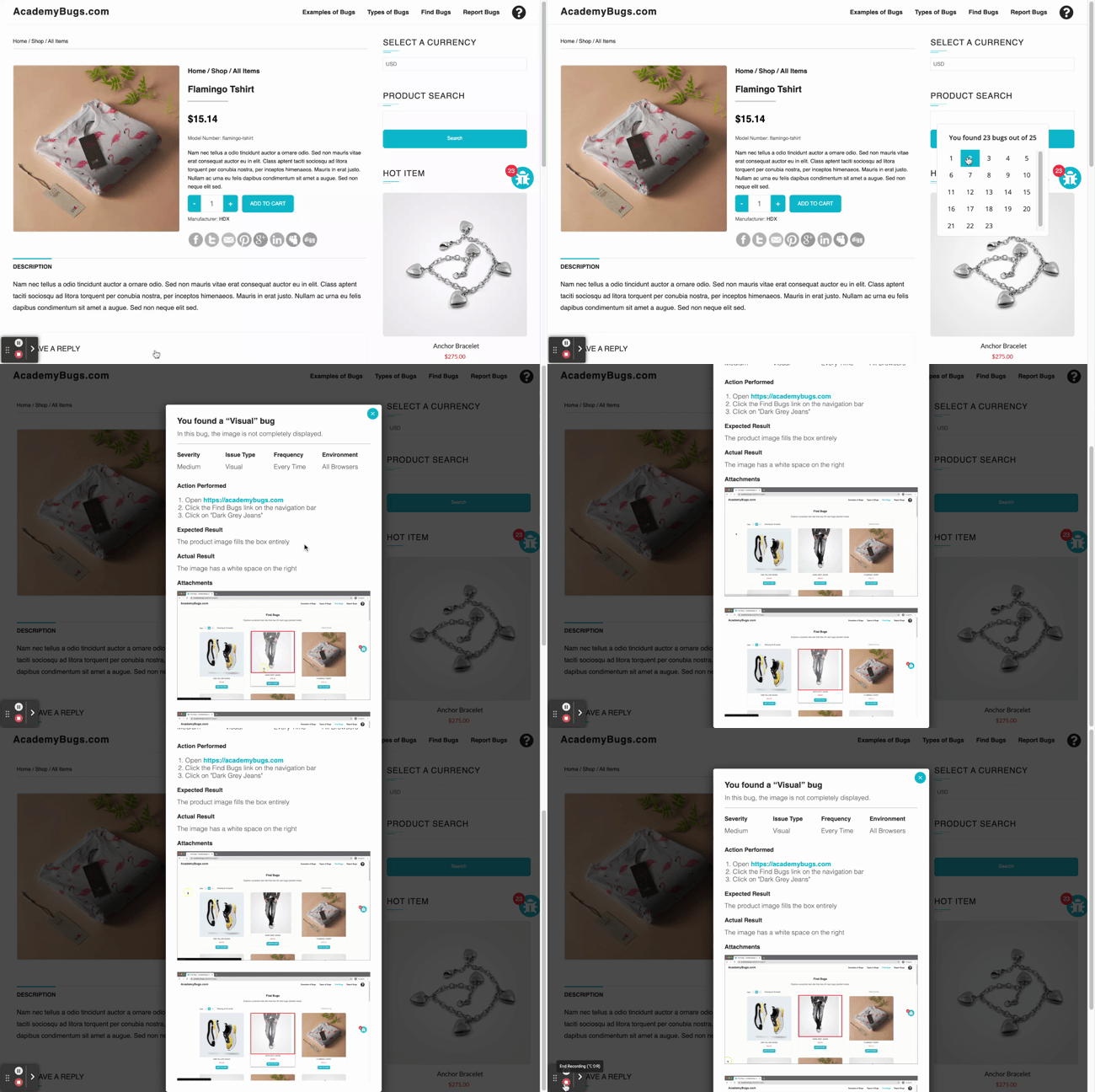
My thought was to start small and simply automate what a shopper would do (clicking images, adding products to the cart, clicking links, etc.), so I started writing methods.
Add a random item to cart
function getRandomItem() {
    // Although there are 18 articles of clothing, only 14 have add to cart buttons
    let num = [1, 2, 4, 5, 6, 8, 9, 10, 12, 13, 24, 25, 26, 27]
    return num[Math.floor(Math.random() * num.length)];
}

function addToCart(){
    // Add random product to cart
    document.querySelector(`#ec_add_to_cart_${getRandomItem()}`).click()
}

for(i=0; i<100; i++){
    addToCart();
}
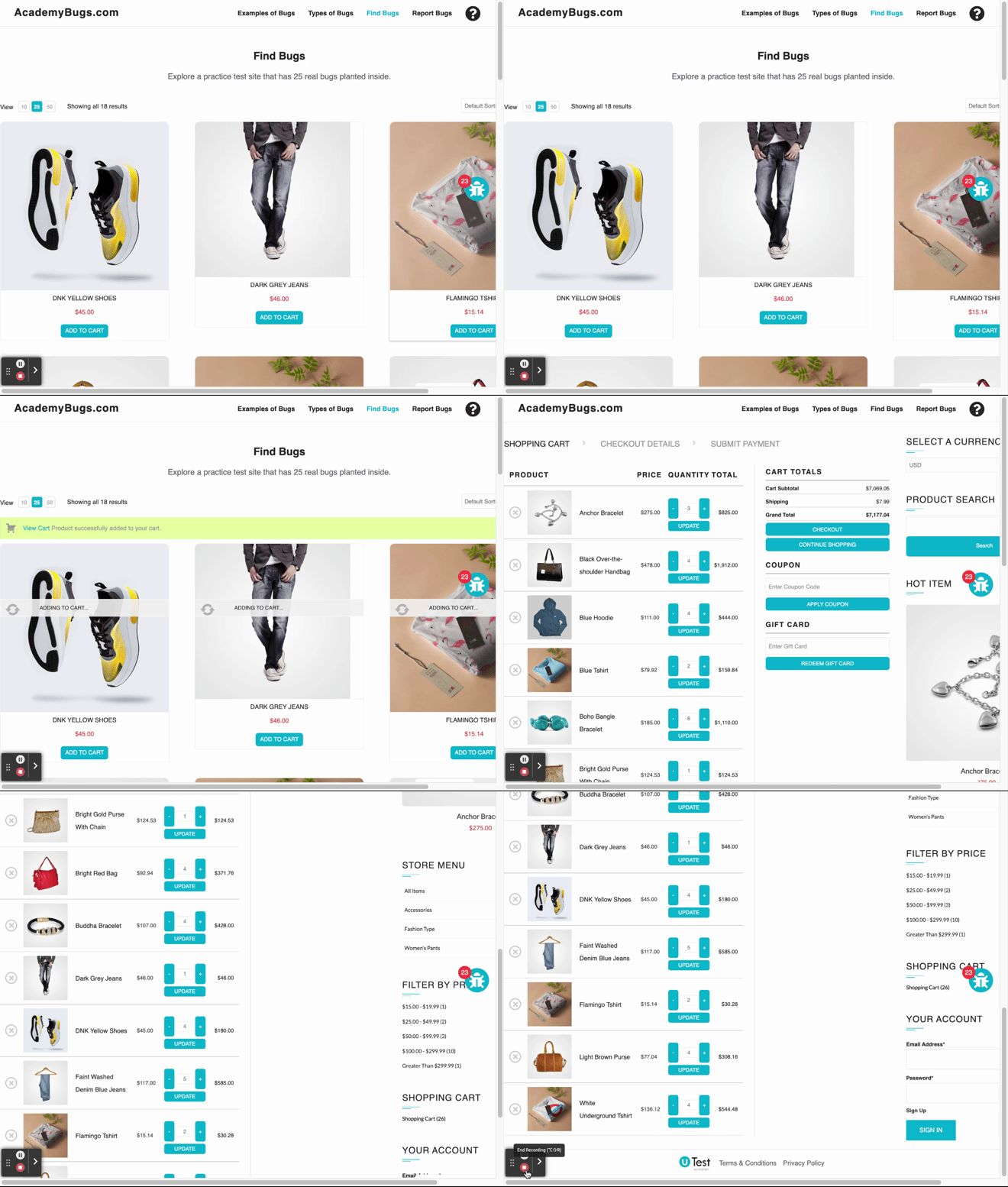
View the Cart
document.querySelector("#ec_product_page > div.ec_product_added_to_cart > a").click()
Close the bug hint
document.querySelector("#popmake-4406 > button").click()
Select a random product
function getRandomInt() {
    return Math.floor(Math.random() * 54);
}

function selectProduct(){
    document.querySelectorAll(".ec_image_link_cover")[getRandomInt()].click()
}

selectProduct();
Currently this will find 1 of the 25 bugs (feel free to find out which one). I want to hit 25, but I don’t think I can automate all 25 based on how some of the bugs are activated. That doesn’t really bother me since this is all for fun anyway. I shall return with more methods and hopefully a proper test scenario.